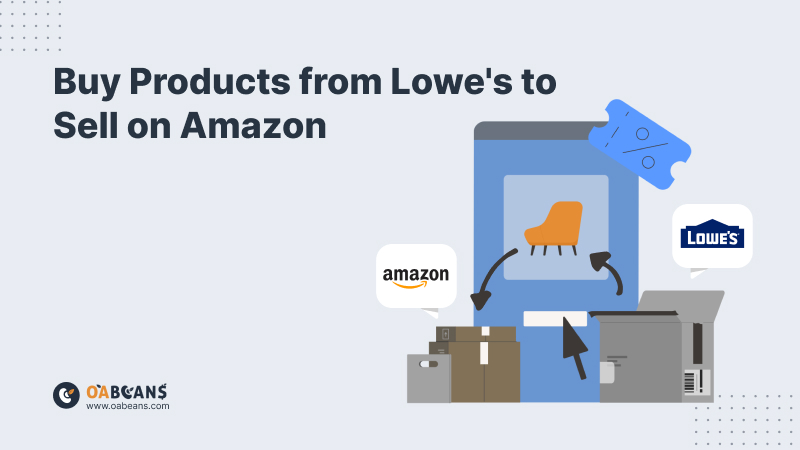
Quick answer: Yes, you can buy products from Lowe’s and resell them on Amazon. Buying in store is retail arbitrage, and buying on Lowes.com is online arbitrage. It works as long as the items are new, authentic and in sellable condition, the brand isn’t restricted for your account, and your offer matches the Amazon listing exactly. Focus on clearance, online-only and Deal of the Day items whose Amazon price still leaves a profit after fees, and check sales rank, competition and restrictions before you buy.
What is Retail Arbitrage?
Retail arbitrage is a business model where individuals buy products at lower prices from retail stores and then resell them at a higher price on online marketplaces like Amazon, eBay, or Walmart. Retail arbitrage is a popular option for many Amazon sellers because it doesn’t require a significant upfront investment or the need to develop a product from scratch. It’s all about finding deals and taking advantage of them.
Here’s an example to understand this business model better: Let’s say you visit a store like Walmart and find a popular brand of coffee makers on clearance for $30, while the same item is selling for $80 on Amazon. By purchasing the coffee makers in bulk from Walmart, you can list them on Amazon at a higher price (e.g., $75). After deducting Amazon’s fees, shipping costs, and the initial purchase price, you make a profit on each coffee maker sold.
How to Find Profitable Products on Lowe’s?
Here are a few tips and tricks to help you find and buy products from Lowe’s to sell on Amazon:
Look for Sales and Clearance Items
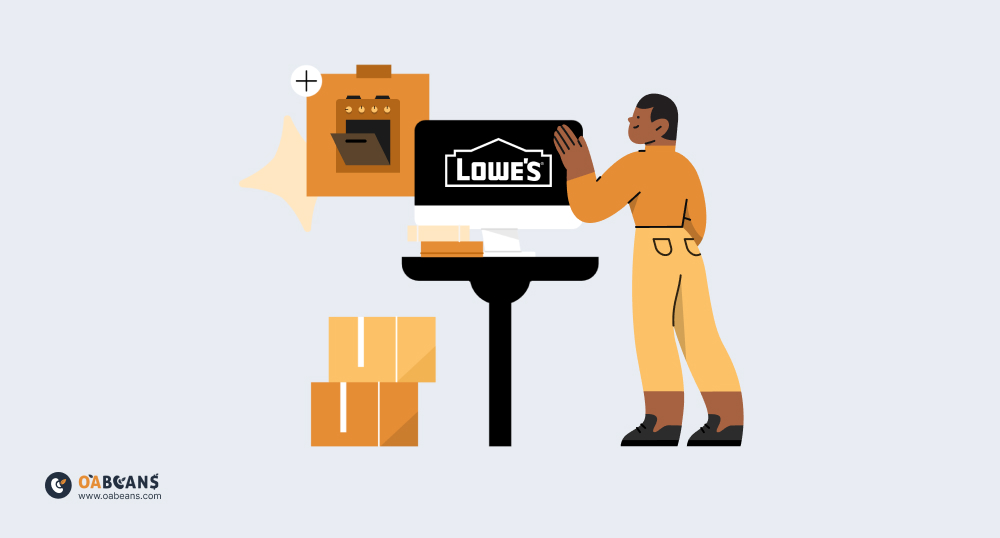
Start by checking Lowe’s clearance section, both online and in-store. These items are often marked down significantly, making them ideal candidates for reselling at a profit. Seasonal items, discontinued products, or overstocked inventory can be purchased at discounted rates.
This can also be useful when sourcing products from Walmart. Make sure you read our guide on how to buy products from Walmart to sell on Amazon before sourcing from this retailer.
Research Popular Categories
Certain categories tend to perform well on Amazon, such as:
- Power tools
- Home appliances
- Gardening tools
- Lighting fixtures
- Smart home devices
- Small appliances
Look for products within these categories at Lowe’s, as they often sell at higher prices online. If you source products from Home Depot, these are also considered popular categories. Don’t miss our guide on how to buy products from Home Depot to sell on Amazon before starting your business.
Check Amazon Best Sellers and Trends
Before making a purchase, always cross-check if the product is in high demand. Browse Amazon’s Best Sellers lists and Trending Products sections to identify which items have a high sell-through rate. This can guide your buying decisions when shopping at Lowe’s.
Use Amazon’s Revenue Calculator
Once you’ve identified potential products, use Amazon’s Revenue Calculator (in Seller Central or the Amazon Seller app) to estimate your profit margins. Factor in the purchase cost, shipping fees, and Amazon’s selling fees to ensure that the product has a healthy profit margin before making a purchase.
Focus on Small, Lightweight Items
Smaller items typically cost less to ship to Amazon’s warehouses, reducing your expenses. Lowe’s carries a range of small tools, home improvement gadgets, and accessories that are ideal for this.
What Are the Best Tools to Find Profitable Products from Lowe’s?
Using the right tools and software can help you immensely when you want to buy products from Lowe’s to sell on Amazon. Here are five of the best tools for sourcing profitable products from Lowe’s:
1. Keepa
Keepa is a powerful Amazon price tracking tool that allows you to monitor the price history of products on Amazon. By checking a product’s price fluctuations, you can make informed decisions about whether an item from Lowe’s will be profitable. Keepa’s charts display historical pricing data, helping you determine if it’s the right time to buy and resell a product. You can read our Keepa reviews to get to know this tool better.
2. Scoutify
Scoutify 2 is InventoryLab’s mobile scanning app for retail arbitrage, allowing you to quickly scan barcodes of products at Lowe’s and compare their prices with those on Amazon. It provides real-time data on pricing, sales rank, and potential profit margins. The app helps you assess whether a product is worth purchasing based on Amazon’s market conditions.
3. CamelCamelCamel
CamelCamelCamel is another price tracking tool that helps you identify products with high price fluctuations on Amazon. By setting price alerts, you can track when a Lowe’s product might sell for a higher price on Amazon. This tool is essential for monitoring long-term price trends and ensuring you’re sourcing at the best time. Don’t miss our CamelCamelCamel reviews for more info on this tool.
4. Amazon Seller App
The Amazon Seller App is great for sourcing products from Lowe’s. It allows you to scan product barcodes, check current listings, review sales ranks, and see fees associated with selling the item on Amazon. You can instantly calculate potential profits and check how much competition you’ll face for the product on Amazon.
5. BrickSeek
BrickSeek is a website that tracks inventory and discounts at major retailers, including Lowe’s. You can search for deals and discounts at Lowe’s and see if specific items are in stock at your local store. By finding clearance or heavily discounted items, you can increase your profit margin when reselling them on Amazon.
The tools mentioned above are also very useful when sourcing products from Kohl’s. But before sourcing from this retailer, make sure you read our guide on how to buy products from Kohl’s to sell on Amazon.
What Things Should You Consider When Buying Products from Lowe’s?
Here are some important factors to consider when you want to buy products from Lowe’s to sell on Amazon:

Product Popularity
Choose items that have a good level of demand – and, preferably, low competition – on Amazon. Products with higher demand are more likely to sell quickly, allowing you to turn your inventory into profit faster. Use tools like Amazon’s Best Sellers list and Keepa to assess popularity and sales trends.
Profit Margins
Always calculate the potential profit margins after factoring in Amazon’s fees, shipping costs, and any other expenses. Ensure the difference between the price at Lowe’s and the selling price on Amazon leaves you with a healthy margin. For instance, a $50 profit margin on an online-only deal can be attractive, but remember to account for all associated costs to see if it’s truly worthwhile.
Competition
Less competition can lead to higher profitability, so research how many sellers are offering the same product on Amazon. If too many sellers are competing for the same item, it may lead to price wars, reducing your potential profit.
Seasonality
Keep in mind the seasonal demand for certain products. Some items, like holiday decorations, may only be popular at specific times of the year. Anticipating these trends can help you adjust your inventory and maximize your profits by selling during peak demand periods.
Online-Only Deals
Lowe’s often offers “online-only deals” that are deeply discounted and sold exclusively through their website. These deals can provide significant savings, for example, a microwave priced at $179 at Lowe’s that sells for $229 on Amazon leaves a $50 spread before fees. Be quick, as these deals are time-sensitive and may expire within a few days.
Deal of the Day
Lowe’s “deal of the day” features heavily discounted products available for just one day. These can range from electronics to home improvement tools. Since these deals change daily and disappear fast, regularly checking them and acting quickly can help you snag profitable items before prices return to normal.
Coupons
Using coupons can further increase your profit margins. Lowe’s often offers coupon codes, which can help you get additional discounts on your purchases. Installing a browser extension like Honey or Capital One Shopping that automatically finds and applies coupons can save you time and money, and buying through a cashback portal adds another layer of savings (see our list of the best cashback websites for online arbitrage).
Step by Step Guide to Sell Lowe’s Products on Amazon
If you want to run a successful business and buy products from Lowe’s to sell on Amazon, you can follow the guide below:
1. Set Up Your Amazon Seller Account
Before you start sourcing products from Lowe’s, you’ll need to create an Amazon seller account. To do this,
- Go to Amazon Seller Central and click “Register Now.”
- Choose between an Individual or Professional account, depending on your sales volume. The Individual plan charges $0.99 per item sold, while the Professional plan costs $39.99 per month and is needed to apply for most restricted categories and brands (referral and fulfillment fees apply on both). See our comparison of Amazon Individual vs Professional seller plans.
- Provide your business details, including your name, address, and contact information.
- Set up your payment and shipping options.
- Agree to Amazon’s terms and conditions to complete registration.
2. Identify Profitable Products on Lowe’s
Once your Amazon account is ready, you can start looking for products at Lowe’s to resell. You can browse Lowe’s clearance section or online-only deals for discounted products, and use tools like Keepa or the Amazon Seller App to compare Lowe’s prices with Amazon’s. We talked about this in-depth in the previous sections.
3. Purchase Products: Online vs. In-Store
You can buy products from Lowe’s either online or in-store. Each method has its pros and cons:
- Online Shopping: Convenient, wider product selection, access to customer reviews, but be aware of shipping costs and delivery times.
- In-Store Shopping: Allows you to physically inspect products and sometimes negotiate better deals, especially when buying in bulk.
4. Leverage Lowe’s Bulk Buying and Discounts
If you’re planning to buy multiple units of the same item, buying in bulk can increase your profit margins. Here’s how to save money:
- Join the free MyLowe’s Rewards program for member-only offers, and ask whether Lowe’s Lowest Price Guarantee will match a competitor’s lower price on the same item.
- Check purchase limits before buying multiple units, and keep every receipt and order confirmation in case Amazon ever asks for proof of authenticity.
5. List and Price Your Products on Amazon
After purchasing products, you’ll need to list them on Amazon. If the product already exists on Amazon (i.e., you’re not the first to sell it), you can add your offer to an existing listing:
- In Seller Central, click on “Catalog” in the top menu and select “Add Products” from the dropdown.
- Use the product’s UPC, EAN, or ASIN (Amazon Standard Identification Number) to find the item. You can also search by product name or keywords.
- Once you find the matching product listing, click “Sell Yours” to begin adding your offer.
If the product is not yet listed on Amazon, you’ll need to create a new listing
Price your products competitively by researching similar listings on Amazon. Factor in your costs, fees, and shipping expenses to find the right balance between profit and market demand. You can also use dynamic pricing tools to adjust your prices based on real-time market trends and competitor activity.
6. Manage Your Inventory and Sales
Once your products are listed, use Amazon’s Seller Central tools to manage your inventory and fulfill orders. If you use Fulfillment by Amazon (FBA), Amazon will handle storage, shipping, and customer service for your products, simplifying the process.
Conclusion
If done strategically, it can be quite a profitable venture to buy products from Lowe’s to sell on Amazon. By carefully selecting products using the tips provided in this article, you can increase your chances of success. Whether you choose to shop online for convenience or in-store for hands-on evaluation, leveraging bulk discounts, online deals, and coupons can further boost your profits. With the right approach, reselling Lowe’s products on Amazon can be a valuable part of your online arbitrage business. For more sourcing ideas, see our list of the best stores for retail arbitrage, or save time with researched online arbitrage leads delivered every weekday.
FAQ
What types of products should I buy from Lowe’s to sell on Amazon?
Focus on high-demand items such as home improvement tools, appliances, seasonal and clearance products, as these often offer better profit margins and lower competition on Amazon.
How can I maximize savings when buying from Lowe’s?
You can maximize savings by taking advantage of online-only deals, utilizing coupons, purchasing items on sale, and negotiating prices when buying in bulk.
What are the potential challenges of reselling Lowe’s products on Amazon?
Challenges include price fluctuations, competition from other sellers, Amazon’s fees impacting profit margins, and managing inventory effectively to meet demand without overstocking.
Does Lowe’s have a 3rd party marketplace?
Yes. Lowe’s launched Lowe’s Marketplace in late 2024, built on Mirakl, so vetted third-party sellers can list products on Lowes.com. It is curated rather than open to everyone, so it works very differently from Amazon. For arbitrage, check who sells and ships a Lowes.com item before you buy it for resale.
Do I need approval to sell Lowe’s products on Amazon?
Sometimes. Many tool and appliance brands are restricted for some accounts, so search each item in Seller Central before you buy. Products with lithium batteries, fuels, paints or chemicals may also need hazmat review; see our guides on restricted categories and brands and selling hazmat products on Amazon.
Is it legal to buy from Lowe’s and resell on Amazon?
Generally, yes. Reselling genuine products you bought is legal in the US, but you must follow Amazon’s policies: sell items in new, unused condition, match the listing exactly, avoid restricted brands you’re not approved for, and keep your receipts in case of an authenticity complaint.